Feature guide
Machines and saved connections
Save a machine's controller connection and organize its tags and diagnostic definitions.
Find it: Machines > Add Machine or a saved machine
Start with a machine
Create a machine with a recognizable name and its controller address. Keep separate machine entries for separate equipment so tags, checklists and historical records stay associated with the right machine. Opening a saved entry is not proof of a connection; use the connection status inside it.
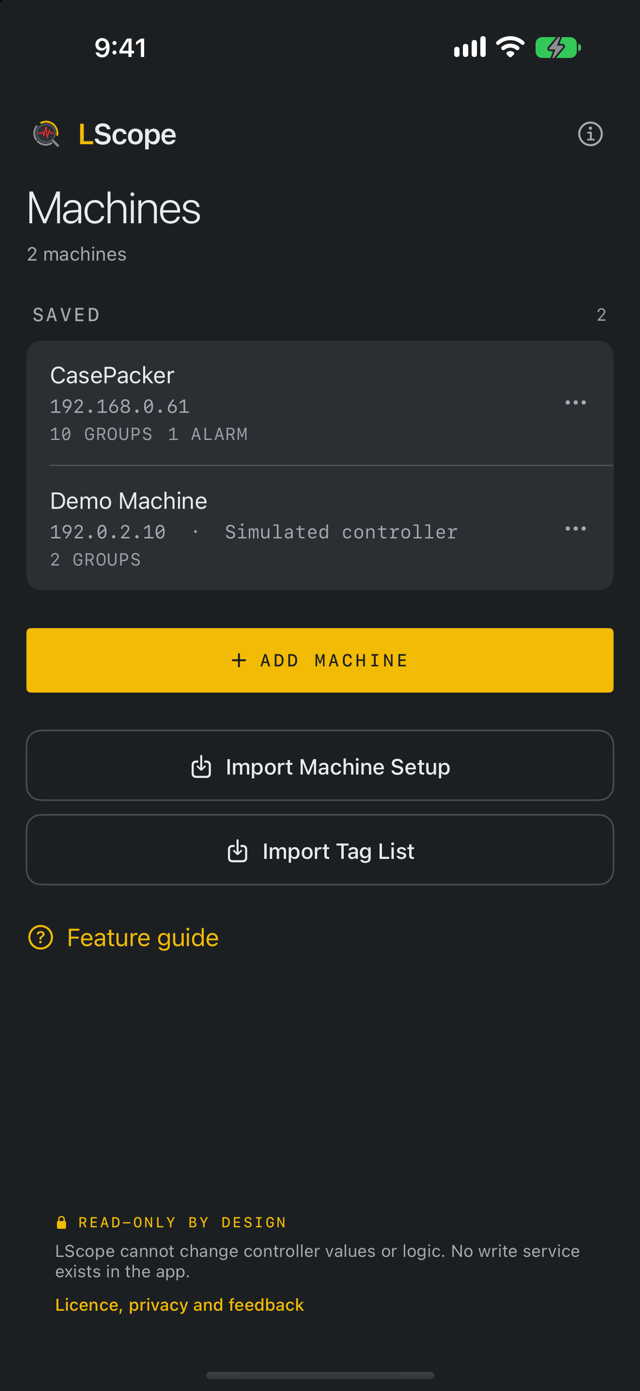
Connection fields
The address identifies the controller or network endpoint. The backplane slot identifies the target controller when routing through a chassis. Use the address and slot from the equipment documentation or the person responsible for the controller. A friendly machine name does not change the controller's own name.
Try the demo
Add Demo Machine creates a simulated machine for learning. Its readings are fabricated and marked Simulated data. Use it to explore the tools without contacting equipment. Screens in these guides use the demo machine.
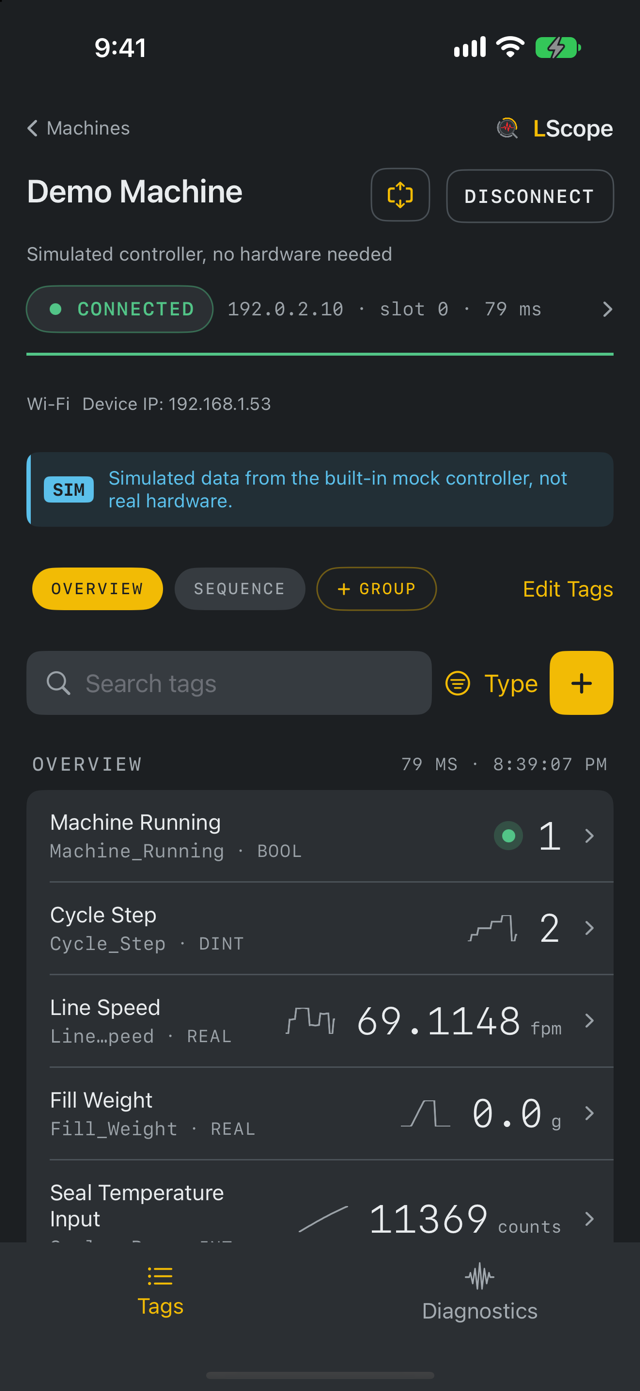
Import and duplicate
Import a .lscope machine setup to review a complete supported configuration, or import a tag CSV for a curated tag list. Duplicate creates a new machine identity and copies configuration; it does not copy recording history. Review the controller address before connecting a duplicated setup.
If the machine will not connect
Open Connection Details for the attempted target, errors and network information. Check the intended address and slot, your network route and local network permission. A reachable Wi-Fi network does not necessarily have a route to the controller.