Feature guide
Connection details and connection test
Understand the controller connection, network information and measured polling performance.
Find it: Machine > Connection Details; Connecting guide from About
Connect to the intended controller
Verify the address and slot, establish the intended Wi-Fi, Ethernet or VPN route, then choose Connect. LScope reads controller data. A failed connection should show the attempted target and a reason. Review these before changing settings.
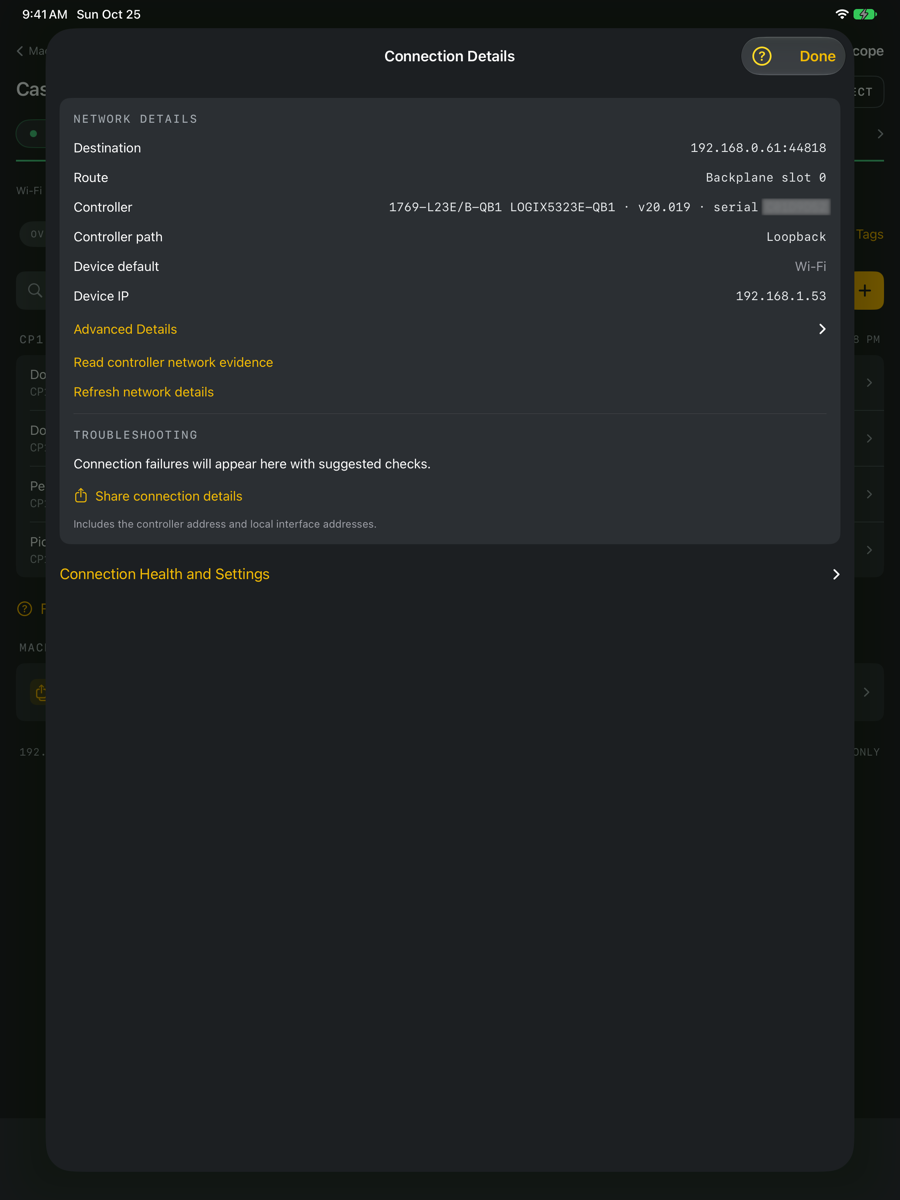
Understand network details
Device IP and network interfaces describe this device. A tunnel interface alone does not prove that a VPN is authenticated or has a route to the controller. Connection Details distinguishes the connection's information from general network observations. Refresh network details after changing an adapter or route.
Polling and fresh readings
Polling requests new values at intervals. A requested interval is not guaranteed timing. Read duration and network conditions affect observations. Stale or failed readings cannot establish the current condition of a machine. Charts may contain gaps where valid observations were unavailable.
Run a connection test
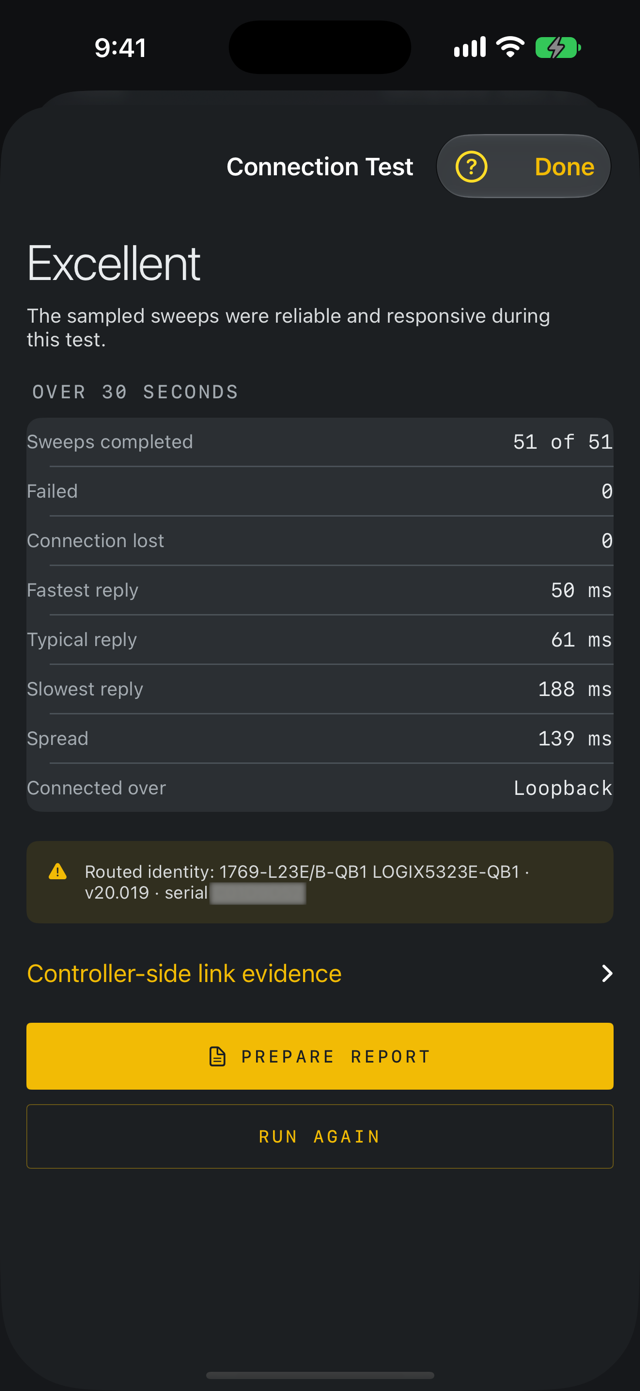
While connected, open Connection Test and choose Start Test. Keep the app in the foreground for the 30-second measurement. Review response timing, stability and read failures, then choose Prepare Report, then Share Report, if needed. This measures the observed app connection during that interval; it does not certify the whole network.
Troubleshoot a failed connection
Check the controller address and slot, LScope's Local Network permission, the network route and access to TCP port 44818. When using cellular with a VPN, check cellular access for both apps and confirm the VPN reaches the machine network. Reconnect after the route is restored. A report may include controller and interface addresses; review it before sharing.
Use an optional controller route
Leave the Controller route field empty to use the backplane slot. For a routed connection, enter the outbound port and link pairs in order, using the route supplied by the person responsible for the controller. A valid path does not prove the destination exists or is reachable.
Read identity and network evidence
While connected, the network details show the routed controller identity and a Read controller network evidence action. Available endpoint link, ring/neighbour and controller-clock fields depend on the device and firmware; unavailable fields do not imply a healthy network. The routed controller and the Ethernet endpoint can be different devices. These observations do not certify network security or measure traffic bandwidth.